
 Selected work
FactorLab · SmartTagIt / FOCUSED CASE · INTERACTION AND SCOPE
Keep the recording moving.
A revised recording sequence, a practical split-screen fix, and a picture-in-picture direction I kept open for the future.
3 min read
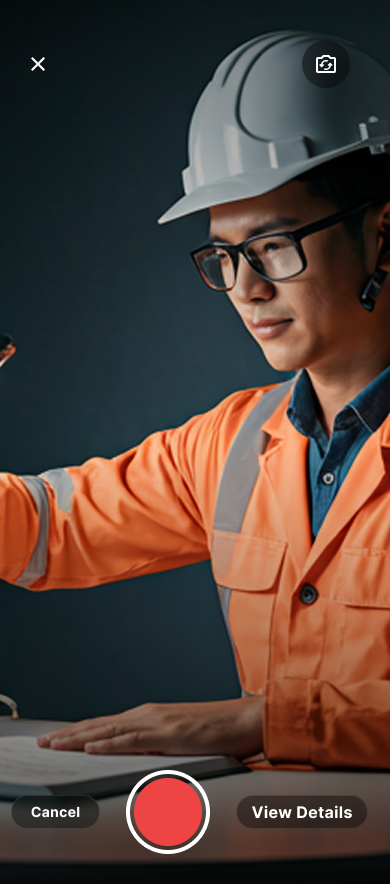
- The task
- Record media while reviewing an observation, then return to the right next action.
- My contribution
- Diagnosis, interaction alternatives, advocacy, and a smaller implementation handoff.
- Where it landed
- An April 14 revised design, with picture-in-picture documented separately for future consideration.
01 / Original / scoped design
Untangle the controls from the form.
The original recording view put camera controls across the middle, with Submit still available in two places. My scoped redesign moved the recording controls to the bottom and removed the competing footer Submit.
Before: original interface
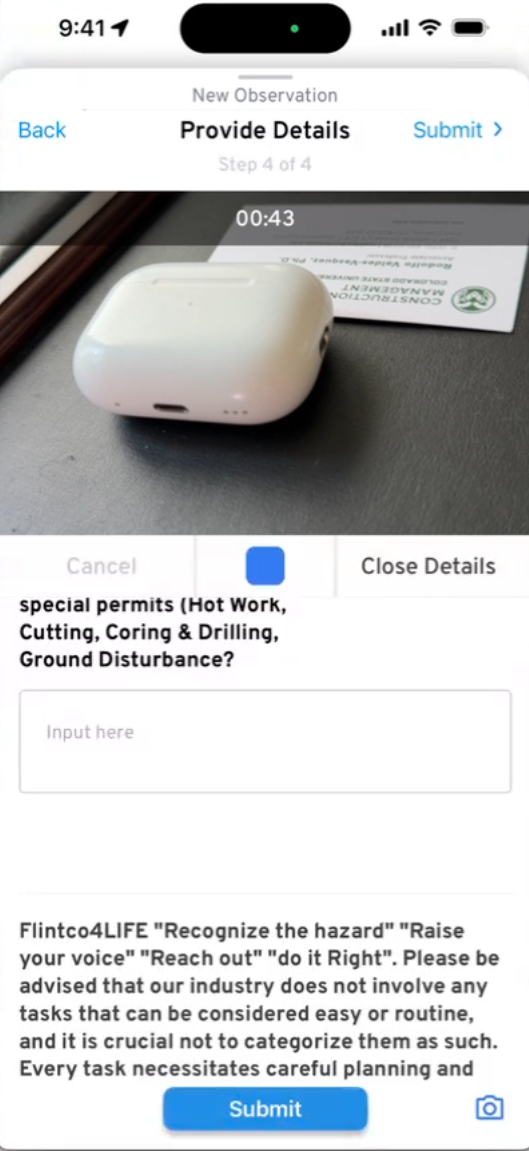
A blue Stop control sits between the video and form. Submit appears in both the header and footer.
Inspect screen
Revised: my scoped design
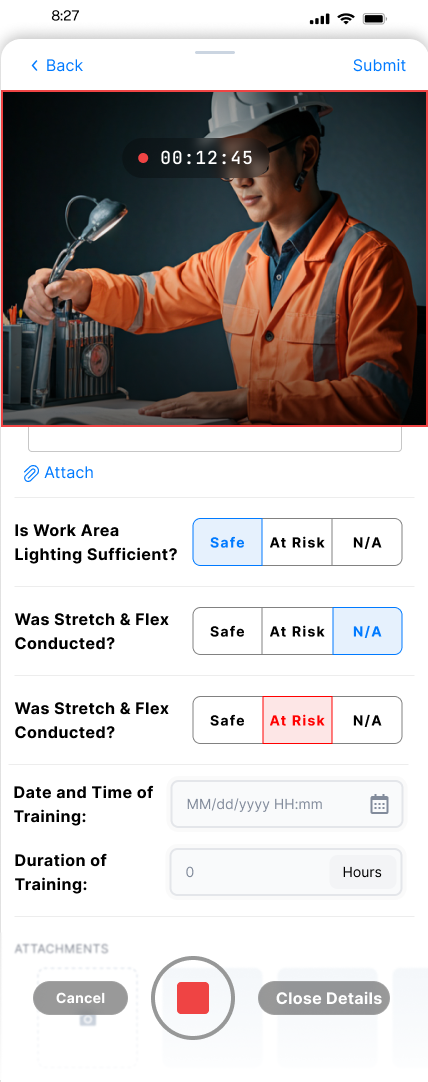
Camera controls share the footer. The split-screen structure stays within the agreed scope.
Inspect screen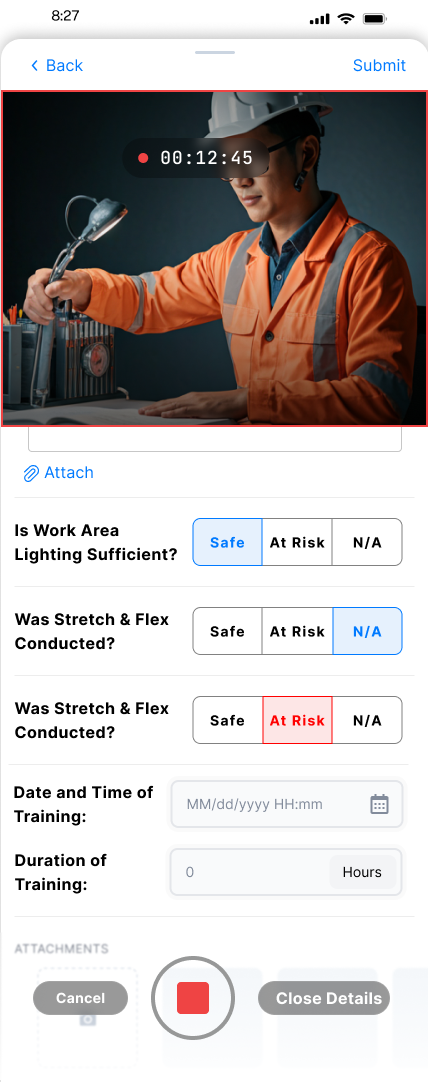
I used familiar red recording controls and grouped related actions, so people could bring their camera experience with them. With product, I kept the split-screen structure and narrowed the immediate change to the competing footer controls.
02 / Broader design exploration
Connect recording to review.
I redesigned the recording states as a connected sequence and retained the existing preview, Retake, and Use Video actions. The wider exploration went beyond the smaller change agreed for the immediate handoff.
Ready to record
Cancel, record, or inspect the observation.
Inspect screen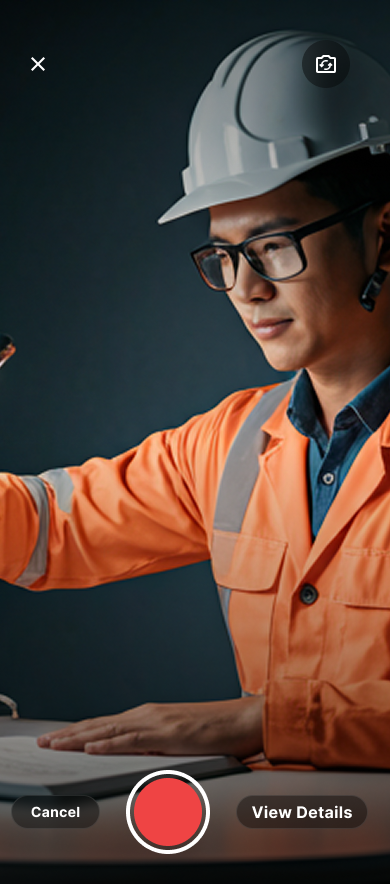
Recording in progress
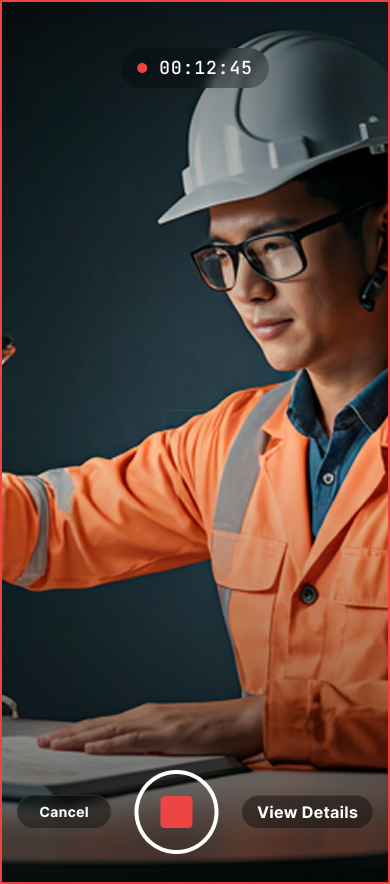
The timer and Stop control show that capture is underway.
Inspect screen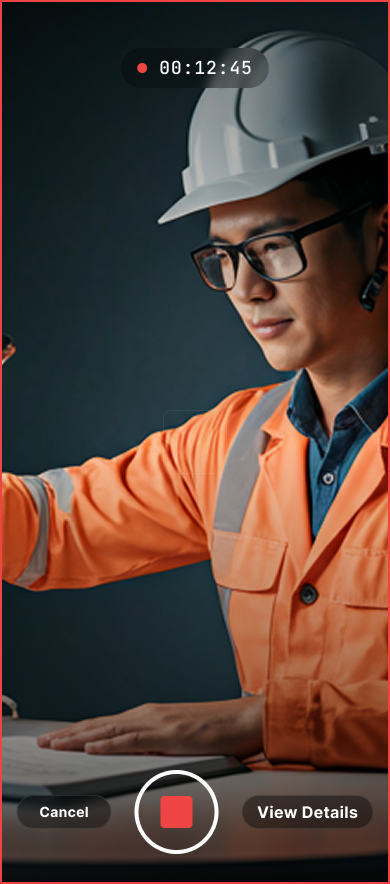
Review before using
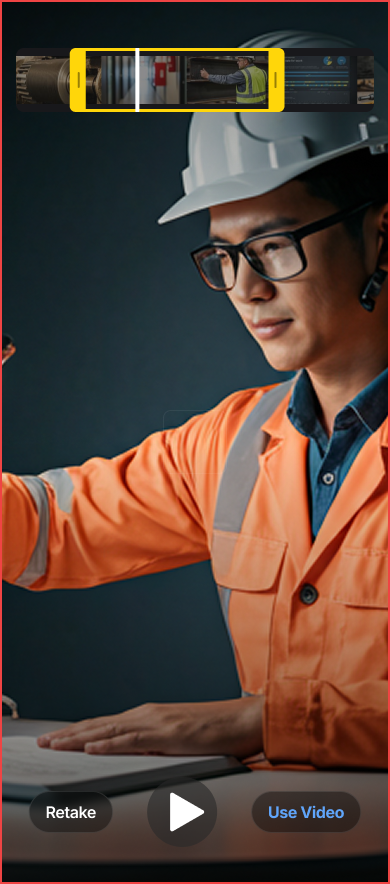
Keep the existing preview, Retake and Use Video choices.
Inspect screen
A timer and a distinct Stop control make recording status visible. Retake and Use Video preserve a choice before committing. I advocated keeping that review step when its removal entered the scope discussion.
03 / Future proposal
Give the form more room.
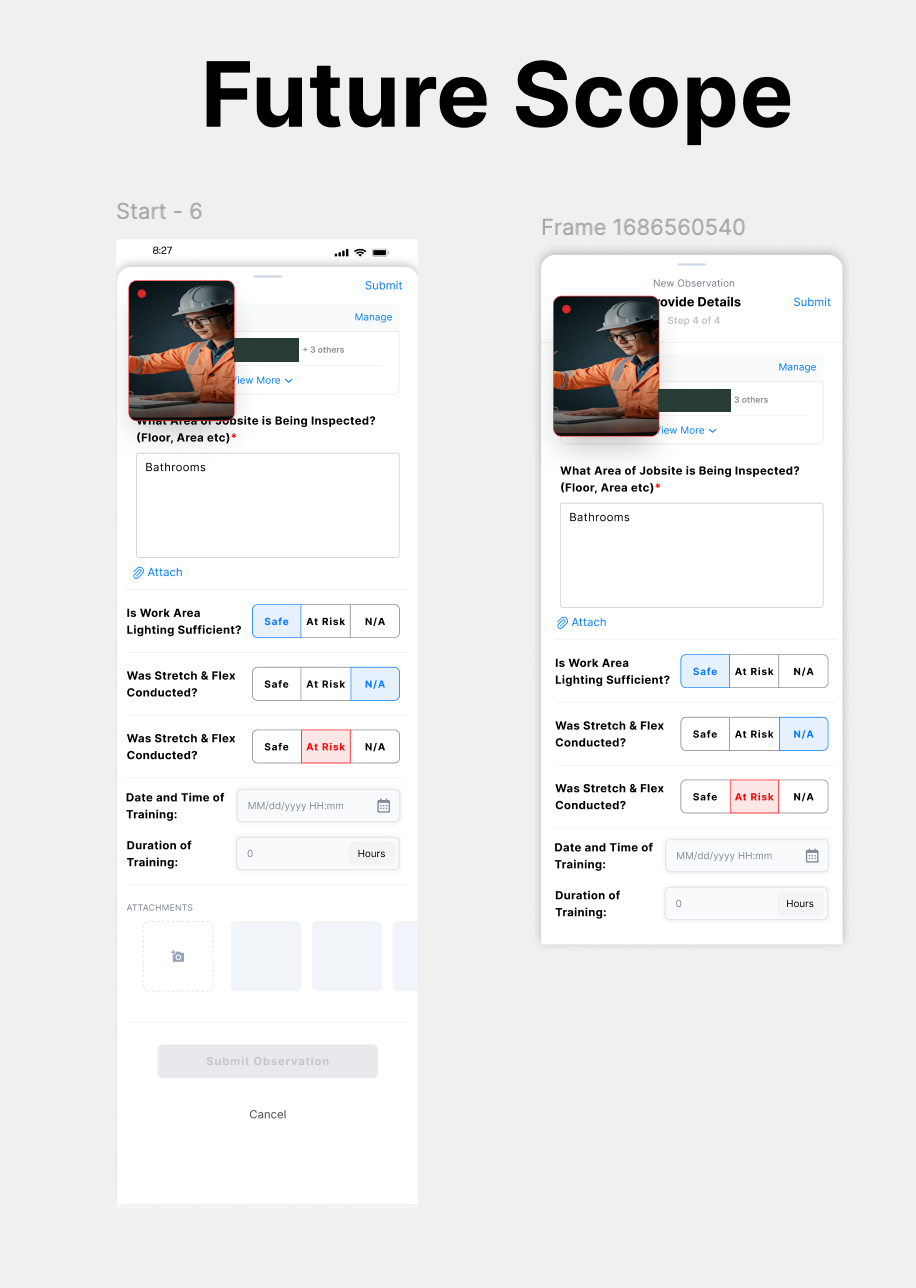
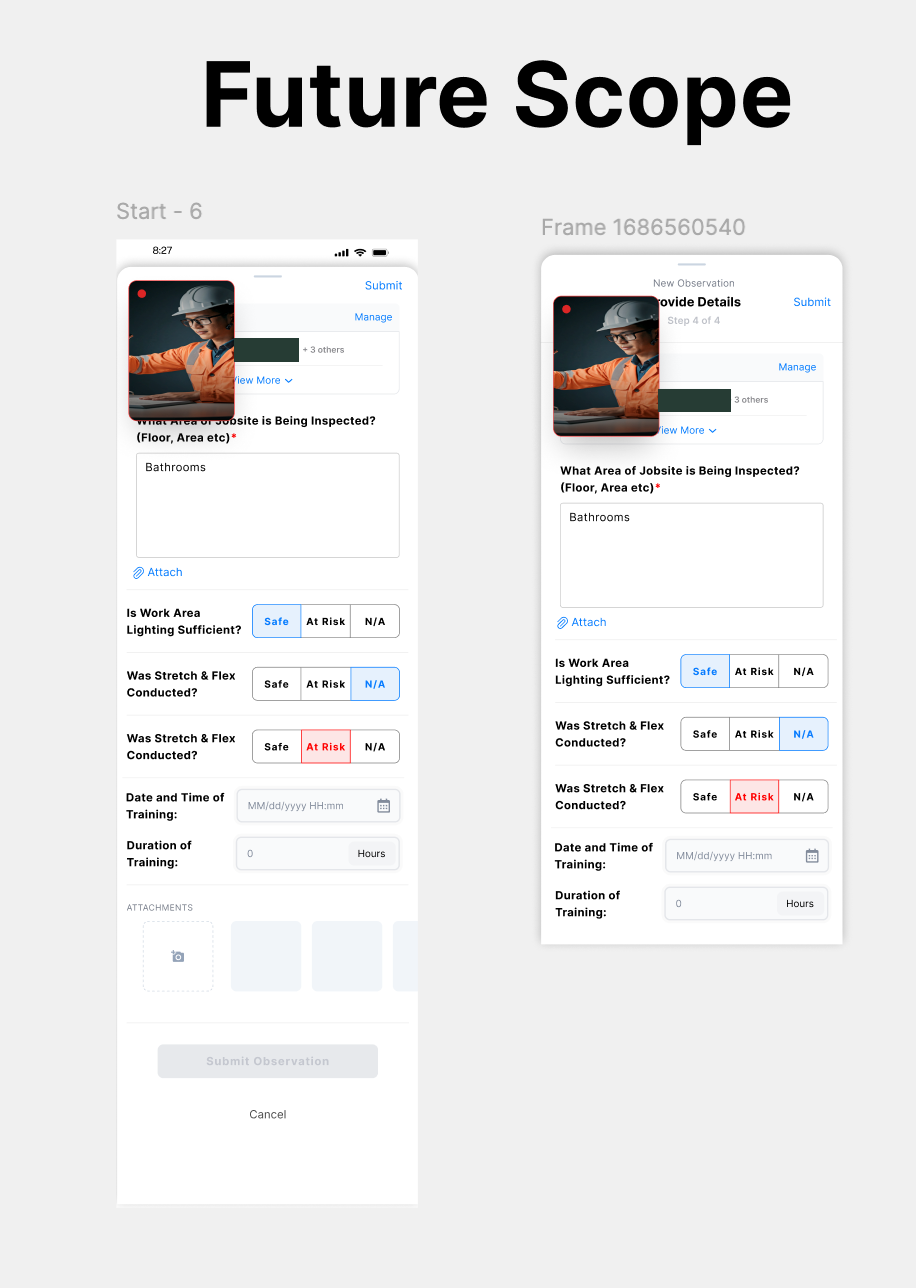
I proposed a movable picture-in-picture camera view so someone could keep recording while reviewing the form. This is the actual future-scope design I shared.
Picture-in-picture proposal
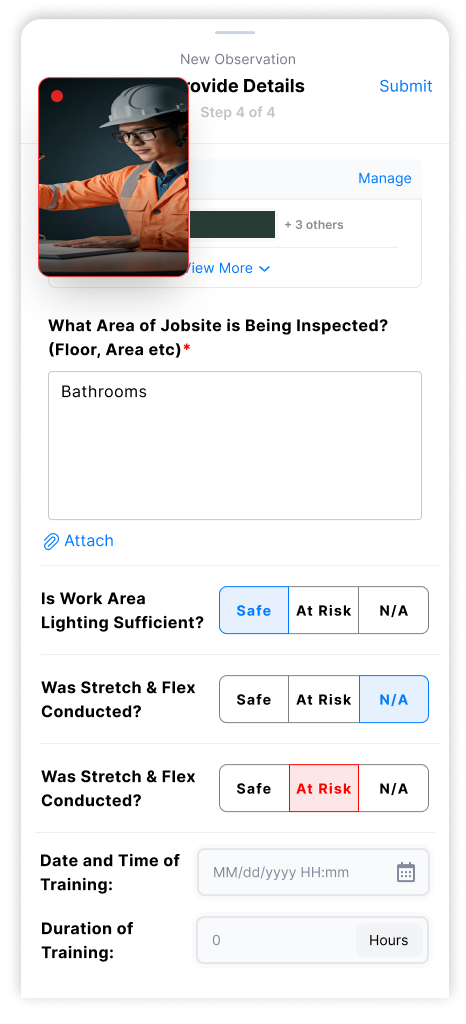
Original PIP proposal for future consideration. One project-name strip is obscured.
Inspect screen
A movable camera view could leave more room for the form. I explained that benefit, acknowledged the team’s delivery constraints, and separated the proposal from the immediate handoff.
Decision notes and evidence
WHERE IT LANDED
A usable handoff without losing the larger idea.
On April 14, I handed over the revised controls and a separate PIP proposal. The discussion preserved existing preview functionality and made the boundary between the immediate change and future work explicit.
What I learned and would test next
Approval to investigate a problem is different from approval to implement a particular design. I learned to make that boundary explicit in the handoff.
Test recording, form review, and attachment as one task. For PIP, check whether people can move the camera away from required fields and still recognize the recording state.
Original design exports and April product correspondence. The problem came from a stakeholder demo. Implementation and post-change user impact remain unverified.
KEEP EXPLORING