
 Selected work
Making this portfolio / VISUAL INTEGRATION · REUSABLE SKILLS
Turn “make it better” into a visible decision.
The portfolio itself is an ongoing example of my AI workflow: source the work, direct the assets, inspect the page, and refine it from specific feedback.
2 min overview · optional detail below
THE CHALLENGE
AI can produce a polished-looking page that still tells the wrong story. Early versions relied too much on text and decorative imagery, while the real design journey was hard to see.
MY CONTRIBUTION
I set the visual and editorial direction, supplied missing originals, and turned feedback into concrete changes that AI-assisted implementation could act on.
01 / Observe
Start with what the page is failing to show.
The earlier AI page led with a small, text-heavy diagram. My feedback on the wider portfolio was specific: show the original problem, show the flow, and make the contribution easier to scan.
Earlier AI presentation
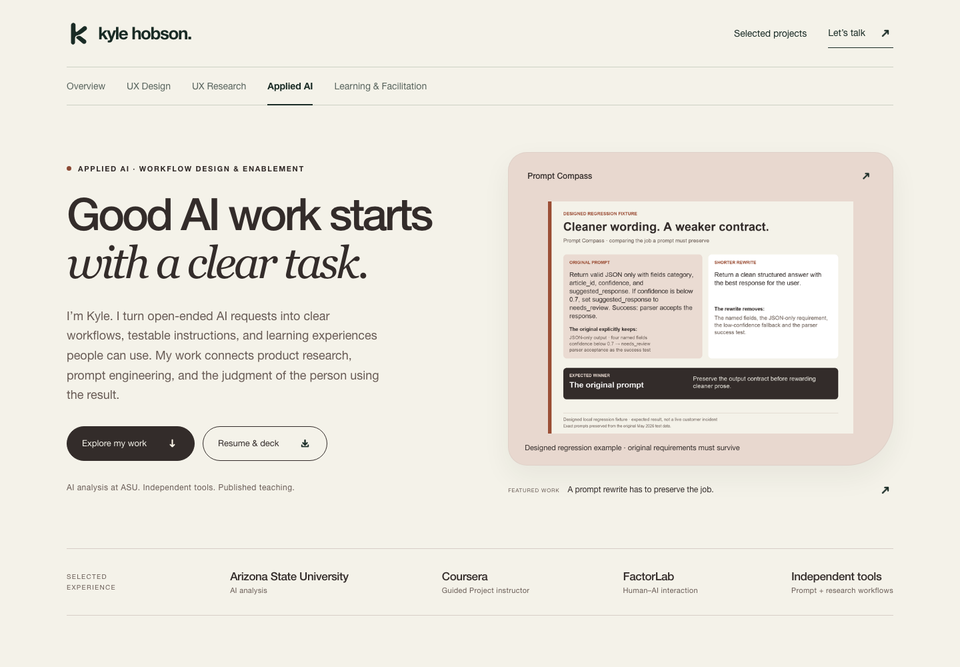
Preserved September portfolio capture. The case graphic contains dense text at a small display size.
Inspect screen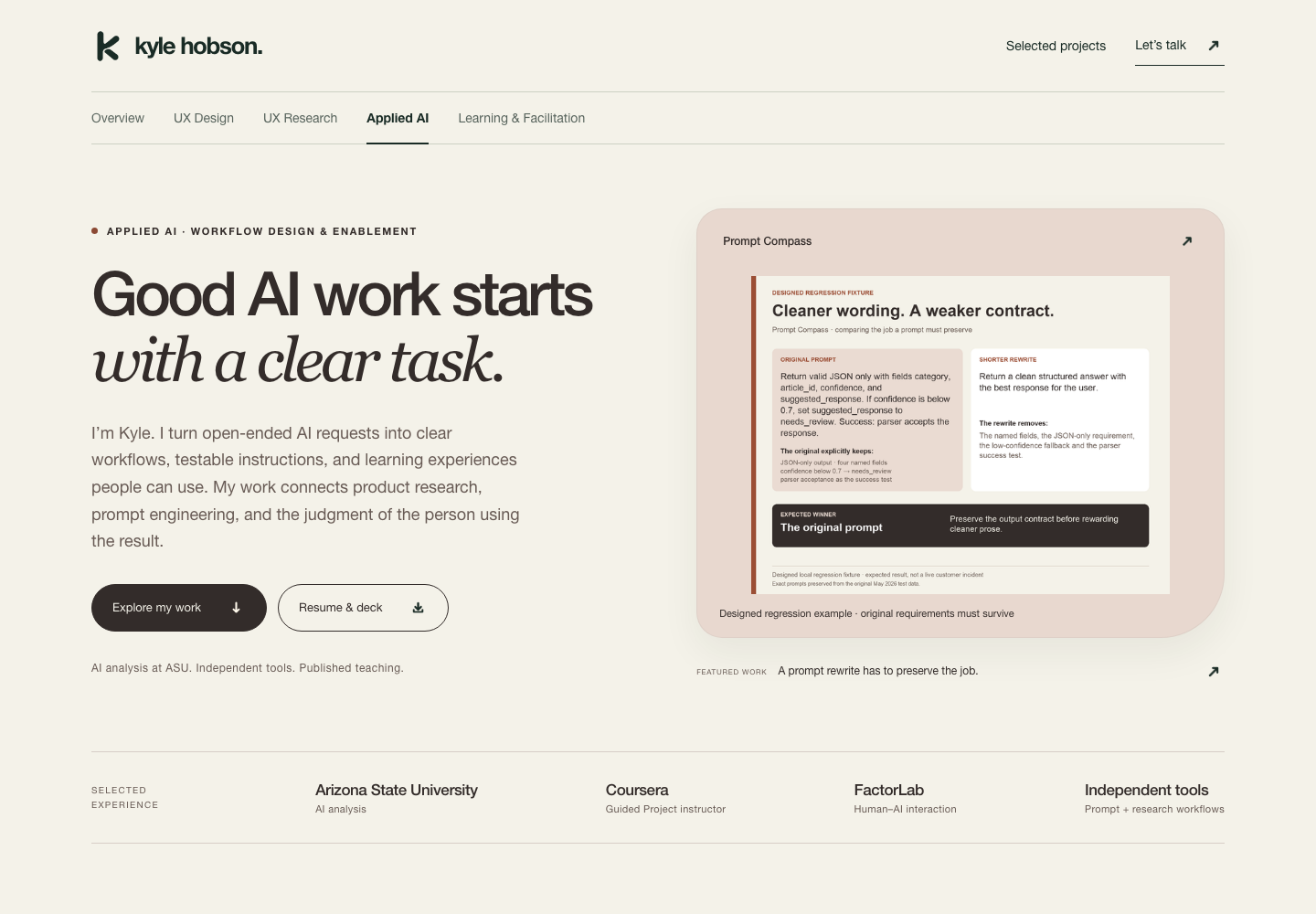
02 / Reusable practice
Give every asset a job.
My visual asset integration workflow separates documentary evidence from illustration. Original screenshots prove the work. Generated artwork can add identity or atmosphere, but it cannot stand in for a design I actually made.
Workflow, explained
- 01
Anchor
Name the exact screen region and the change it needs.
- 02
Source
Choose an original artifact or a clearly labeled illustration.
- 03
Integrate
Set the crop, hierarchy, caption, and responsive behavior.
- 04
Inspect
Review the rendered page and test the interaction.
An anchor is a precise visual reference, such as the recording control or a case-study cover. It turns “this feels off” into a change we can inspect.
03 / Refine
Make the change visible.
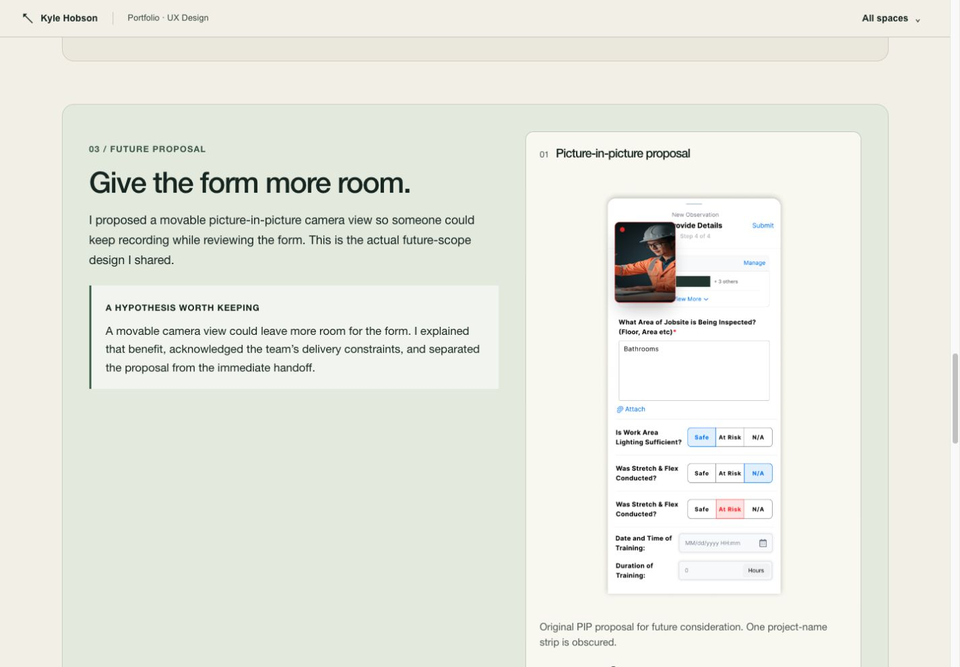
In the Design edition, the review loop separates the original interface, the redesign within the agreed scope, and the picture-in-picture proposal for future work.
A clearer visual chapter
Published Design case after the visual-story pass. The original PIP proposal remains labeled as future scope.
Inspect screen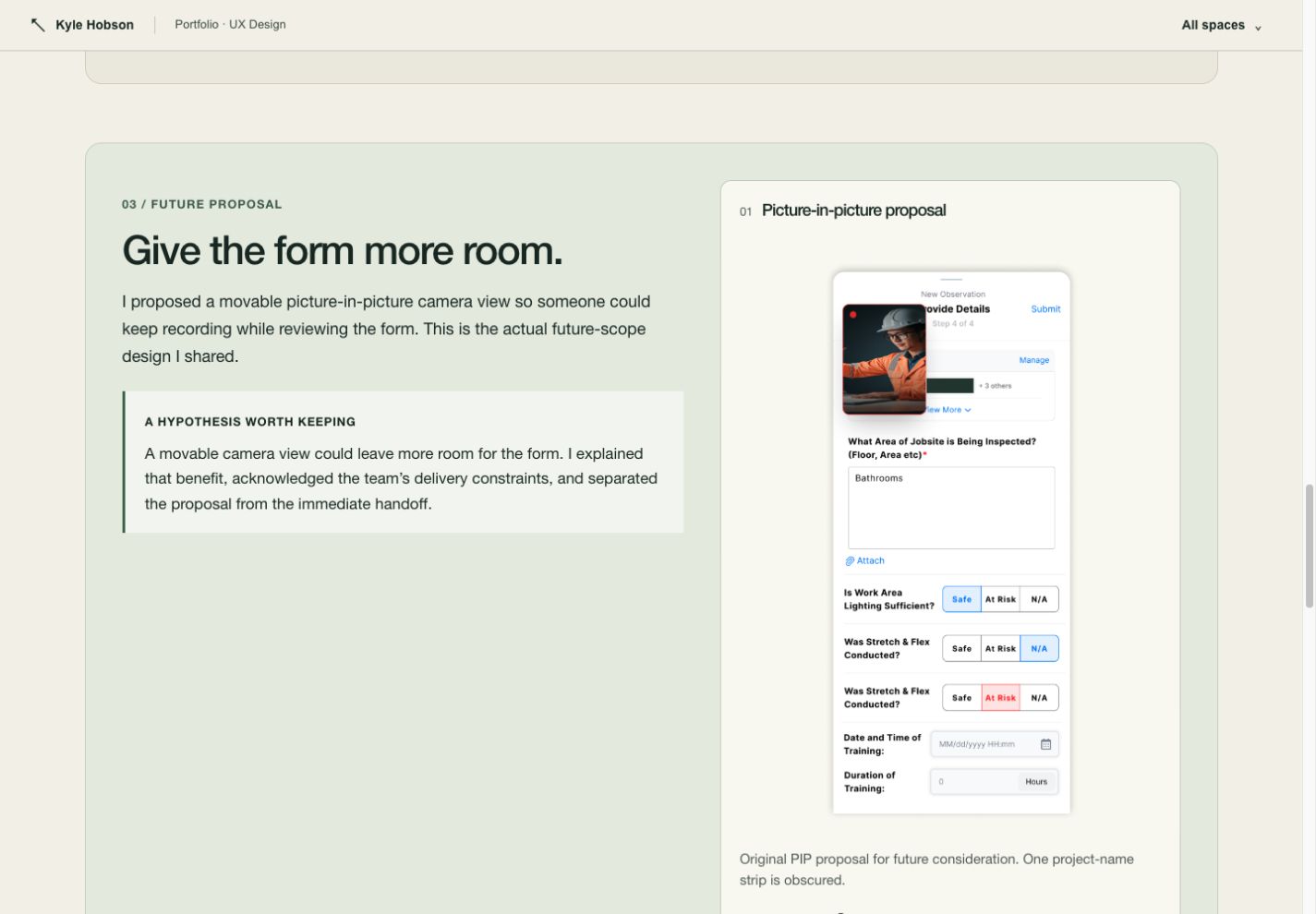
WHERE IT LANDED
Something concrete to inspect.
The published portfolio now uses original screenshot sequences, short decision chapters, optional deeper notes, and source-aware image previews. This Applied AI edition extends that approach to the workflow behind the work.
What I learned and would test next
The most useful correction often removes something: an unsupported claim, a decorative asset without a purpose, or text that repeats what the screenshot already shows.
Next, test whether a recruiter can identify the problem, my contribution, and the result from a short scan of each case.
Original project screenshots and source documentation. Process diagrams are retrospective explanations.
KEEP EXPLORING