
 Selected work
AI Workshop Studio / LEARNING PRODUCT · AI ENABLEMENT
Make AI practice easier to follow.
A learning platform that connects instruction, practice, and review, with a lesson workspace people can navigate in several ways.
2 min overview · optional detail below
THE CHALLENGE
A video or a long prompt is only one part of learning. People also need a clear goal, a place to practice, and a way to return to the part they missed.
MY CONTRIBUTION
I connect the instructional design to the product: learner steps, supporting materials, and the interaction details that make a lesson usable.
01 / Decision
Give each step a purpose.
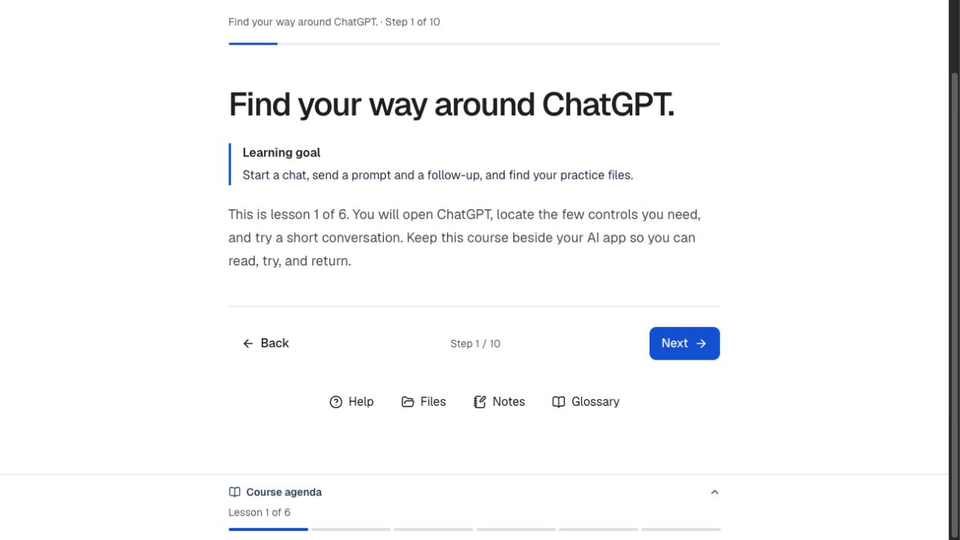
The learner view keeps the immediate goal, practice, and progress together. The course stays beside the AI tool so someone can read, try, and return.
Published learner experience
Existing published learner view. This is the earlier six-lesson experience, not the new course draft.
Inspect screen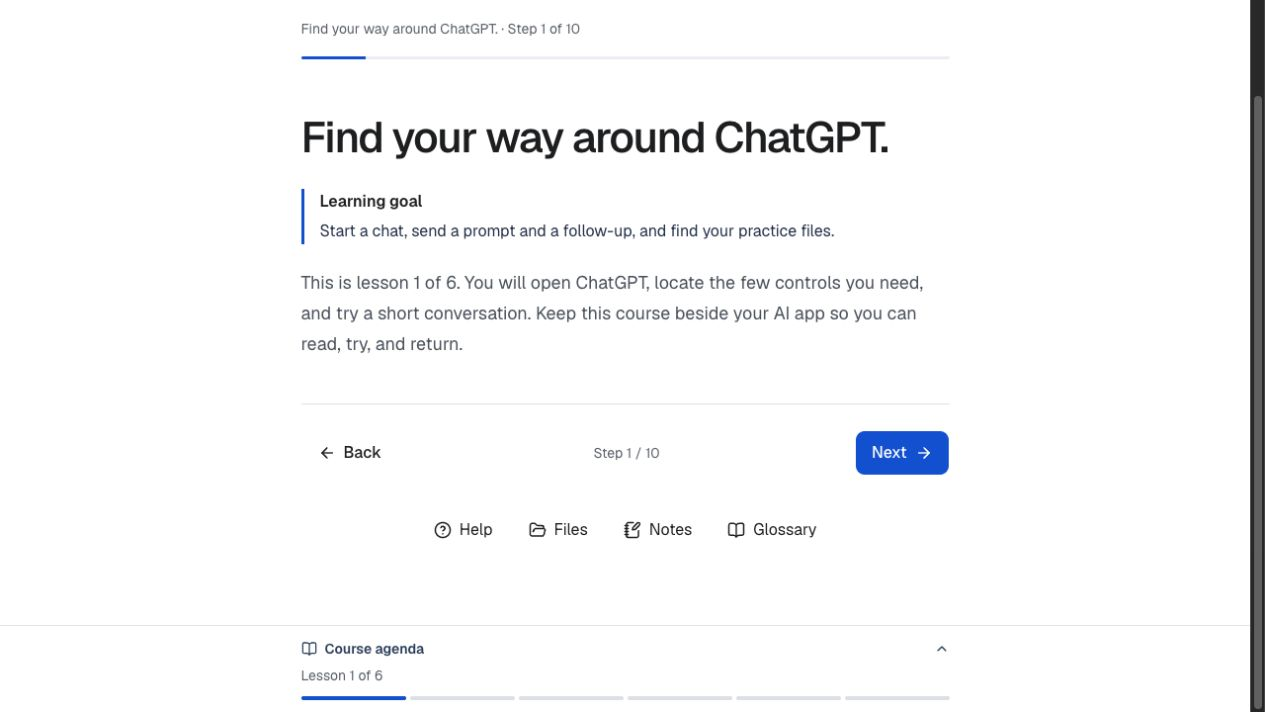
Scaffolding means providing enough support for the next action, then giving the learner room to do it.
02 / Decision
Let people find their own way back.
I refined the media workspace around four clear destinations: Overview, Transcript, Lesson Guide, and Materials. Chapter times and transcript actions help someone return to a specific moment.
Find the moment
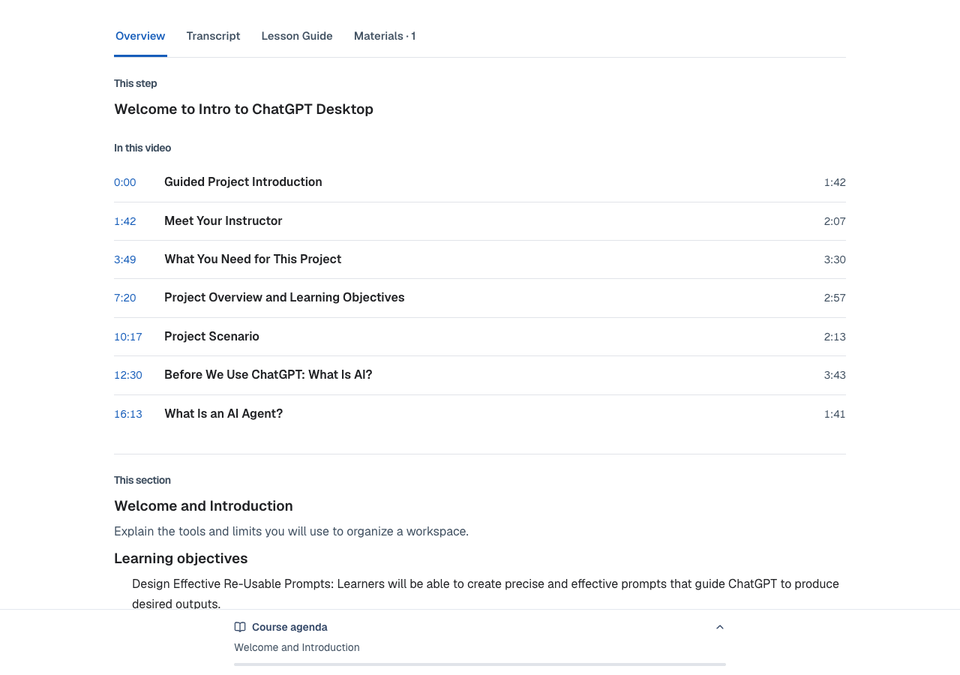
Original development capture of the new course draft. The four-tab workspace shipped in app v37; the course remains in authoring.
Inspect screen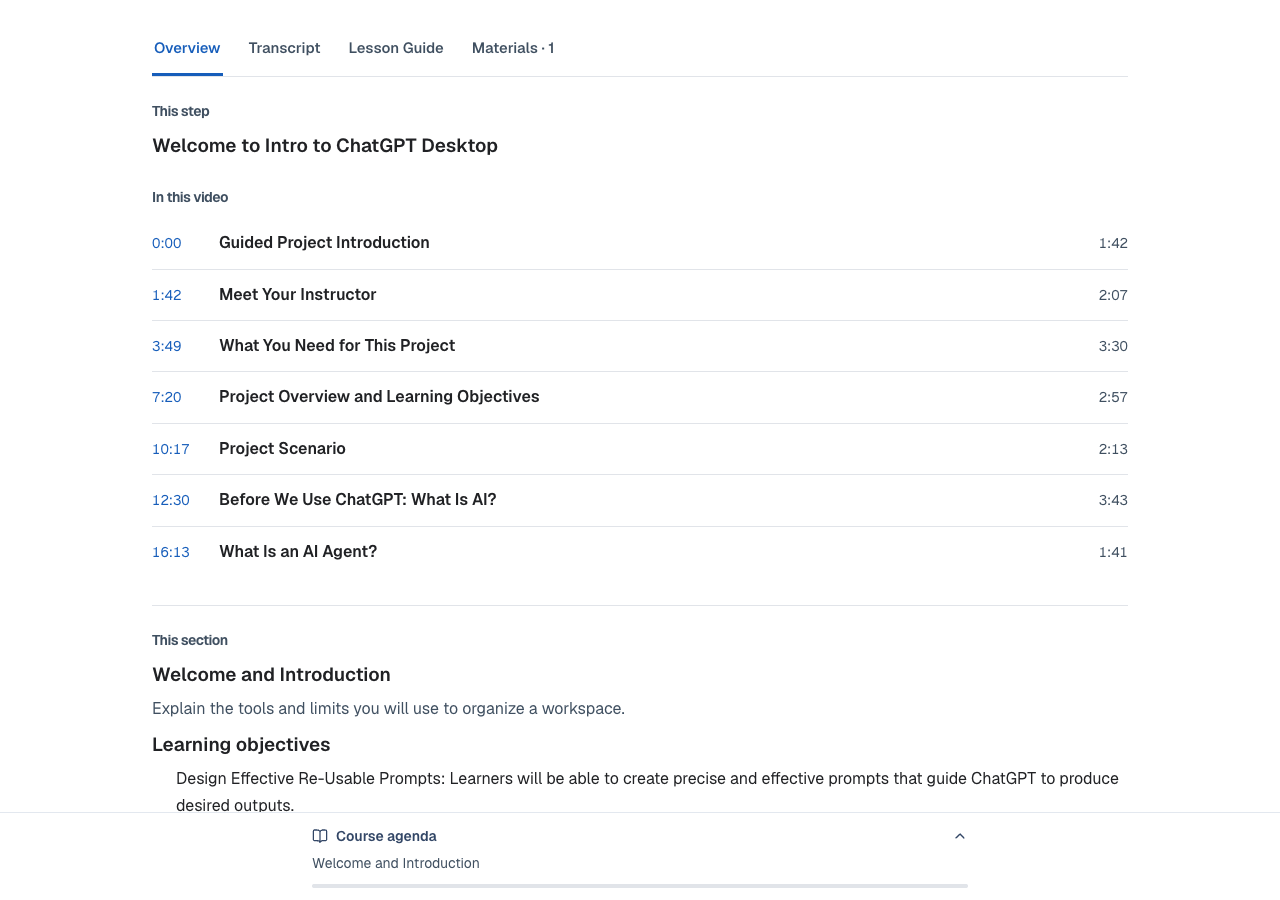
Read, select, or seek
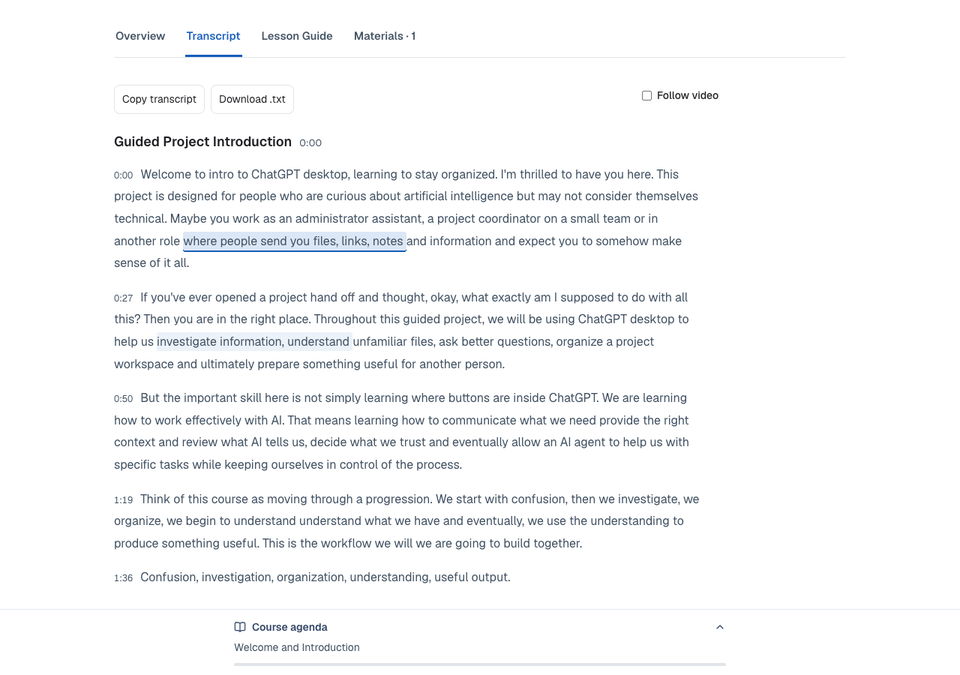
Original transcript view from development QA. Selectable prose and time controls support different ways of using the same source.
Inspect screen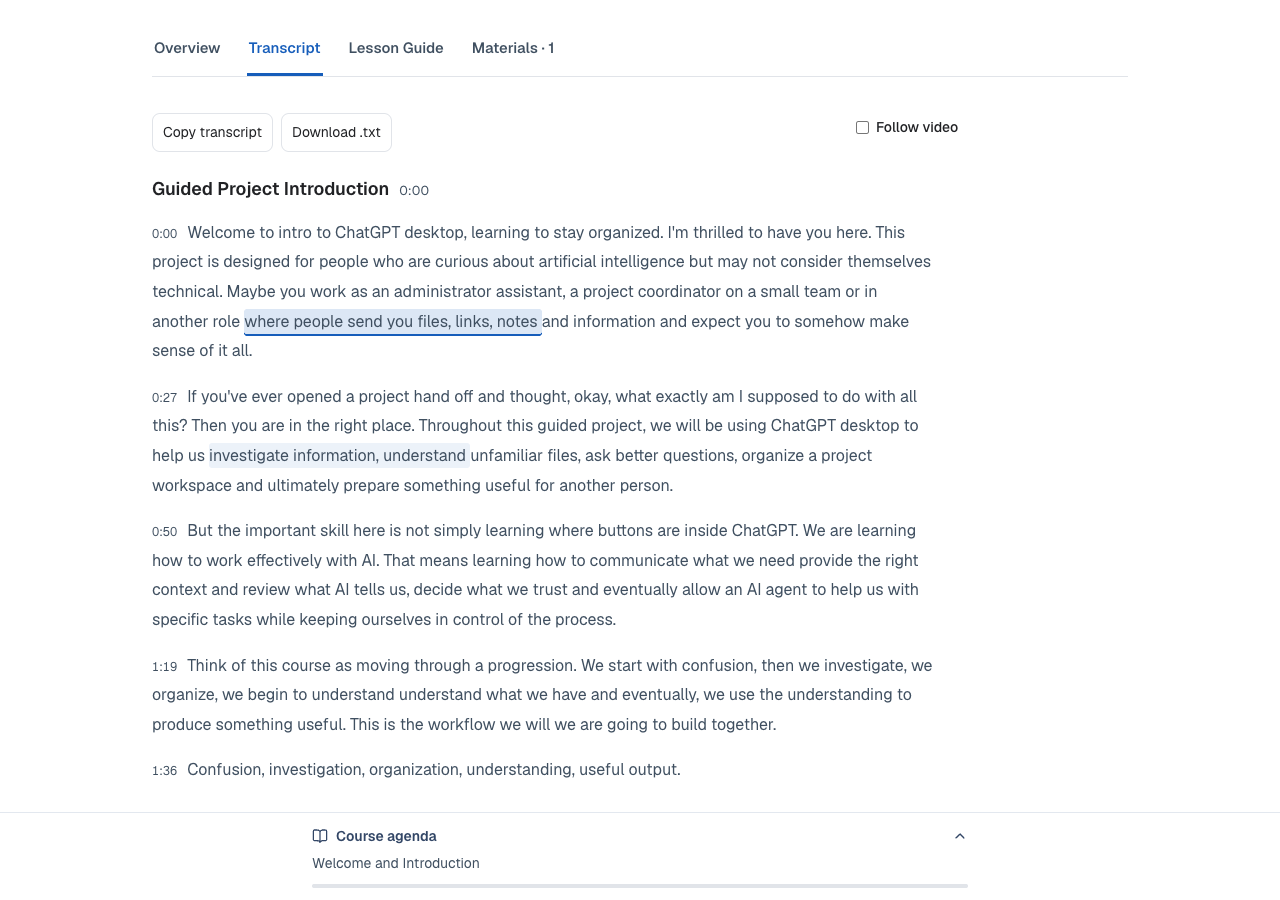
A real test caught text selection triggering a seek. Separating selection from the time control made the behavior more predictable.
03 / Workflow
Design the learning journey across views.
The platform also has learner, presenter, and audience contexts. A local rehearsal exercised how responses move through review and reveal, so a facilitator can decide what becomes shared.
Workflow, explained
- 01
Learn
The learner works on the task.
- 02
Review
The facilitator checks the response.
- 03
Reveal
The audience sees the selected contribution.
The three-view journey was locally rehearsed. That evidence is separate from hosted acceptance of every facilitation path.
WHERE IT LANDED
Something concrete to inspect.
Workshop Studio is published. The September 26 app release added the four-tab media workspace, with hosted playback and transcript seeking checked. The new ChatGPT Desktop course is still being developed.
What I learned and would test next
A saved lesson is not the same as a usable learning experience. I check playback, text selection, navigation, and the next action together.
Next, complete and review the new course with learners before making claims about learning gains.
Original project screenshots and source documentation. Process diagrams are retrospective explanations.
KEEP EXPLORING